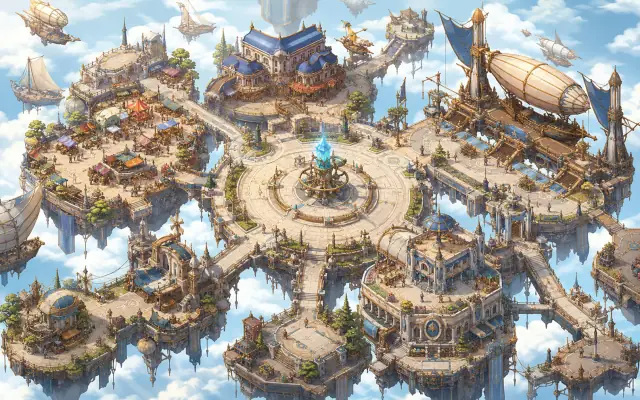
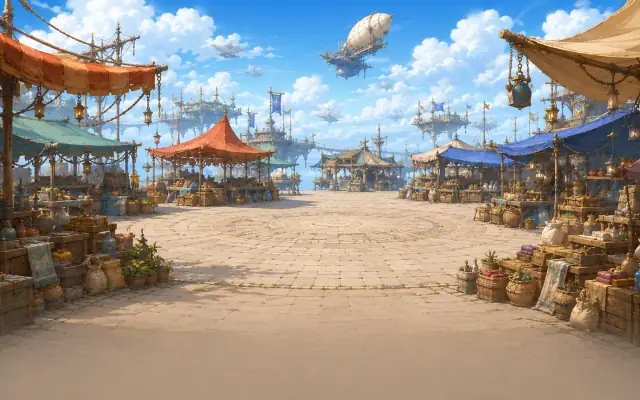
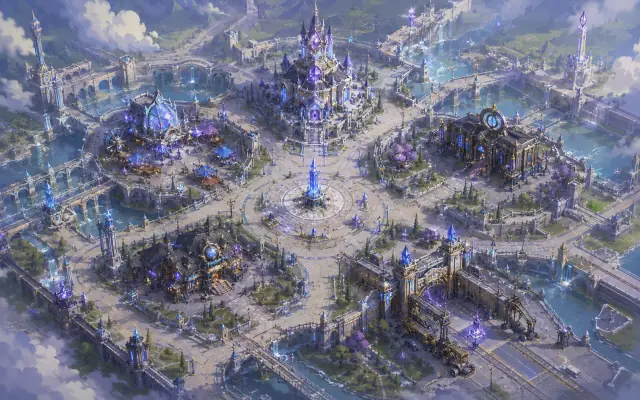
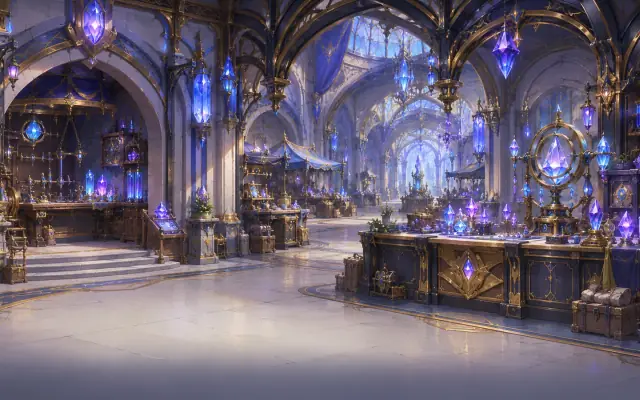
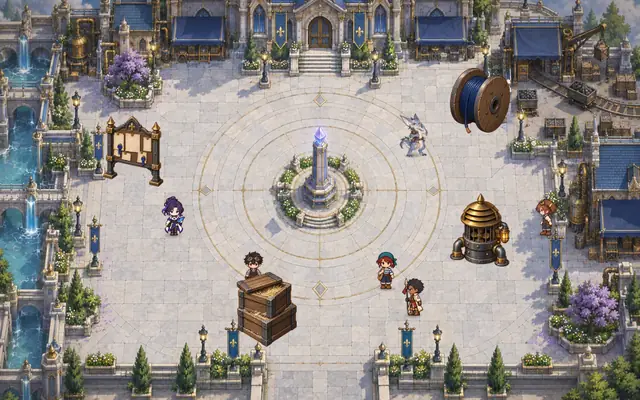
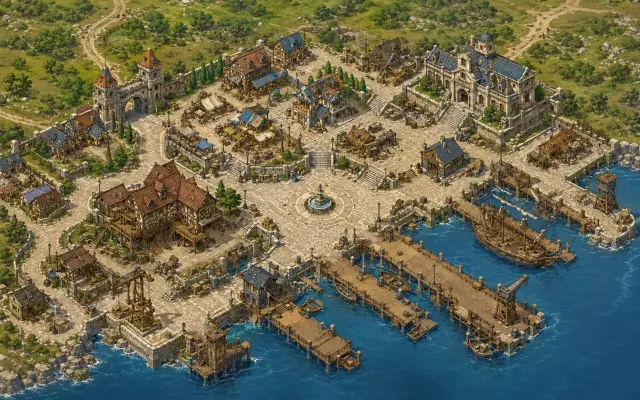
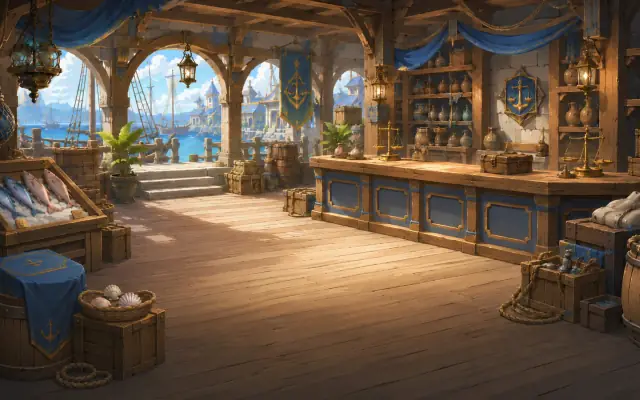
A fantasy trading game set in the Belle Époque, an age when mana stones are both fuel and currency, in which you travel between cities and nations to grow your caravan.
About the Game
Last updated 2026-09-29
Cool Head Warm Heart (CHWH) is a fantasy trading game you can play right in your browser. You start out as a small-time peddler, read the market prices that differ from city to city, and grow your own caravan by buying low and selling high.
True to the title, which means calculating with a cool head while treating people with a warm heart, both your judgment in reading the numbers and your relationships with the people of each city open the path to growth.
The World — The Belle Époque and Mana Stones
After a long age of war, the nations of the continent agreed to meet one another's needs through trade instead of war. People call this era of peace the Belle Époque.
Since the Mana Engineering Revolution, anyone has been able to use magic with mana stones as fuel. Because mana stones are both the fuel for magic and a currency accepted in every nation, each nation regulates large-scale mana stone trading and the movement of mana stones across its borders. How large a deal a merchant can make depends on the authority they have built in that nation.
Three Nations, Fifteen Cities
In the current alpha version, you can travel among fifteen cities in three nations, each with its own distinct character. The goods you can buy cheaply and the goods that sell at a high price differ from nation to nation.
Lumia Federation — A nation of mana engineering and precision manufacturing. It processes mana stones into magical components and magic glass. Its prices tend to be high.
Dadaro Merchant League — A nation of maritime entrepôt trade. Spices and textiles gather here and flow out again, and its strength lies in distribution rather than production.
Ironbell Duchy — A nation of mining and heavy industry. It is a source of raw mana stones and iron, and its prices are low.
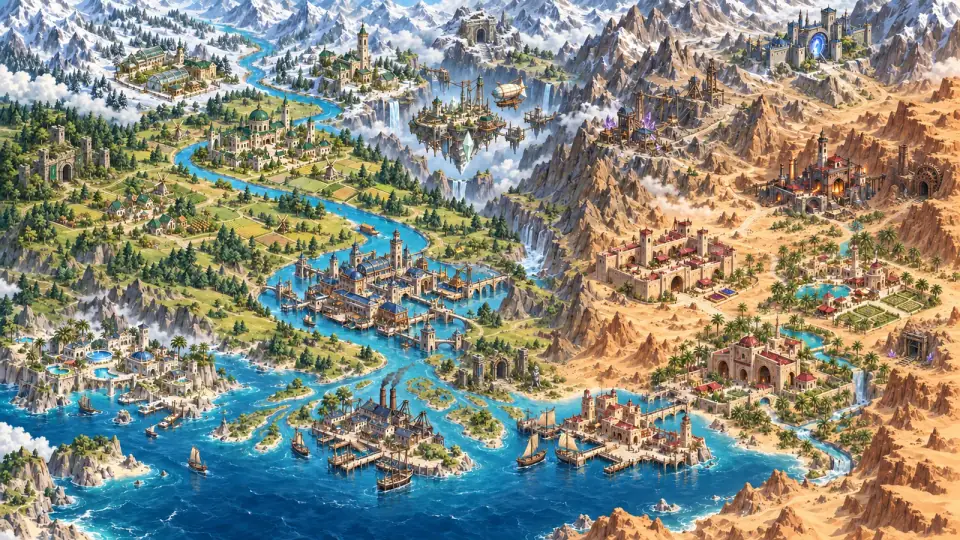
World Map
The fifteen cities of the three nations lie together on a single continent crossed by a great river. In the game, pressing “Travel to another city” opens this map, where you choose a city and set out by carriage or by ship.
Capitals and Currencies by Nation
Lumia Federation
Capital
Camelon
Currency
LUX
Cities
Lumia, Skyport, Kitezh, Isbel, Camelon
Dadaro Merchant League
Capital
Kinsai
Currency
SHEL
Cities
Dadaro, Arport, Sibara, Taxira, Kinsai
Ironbell Duchy
Capital
Tesiphon
Currency
KRON
Cities
Ironbell, Horazam, Iraman, Hatra, Tesiphon
A Tour of Five Cities
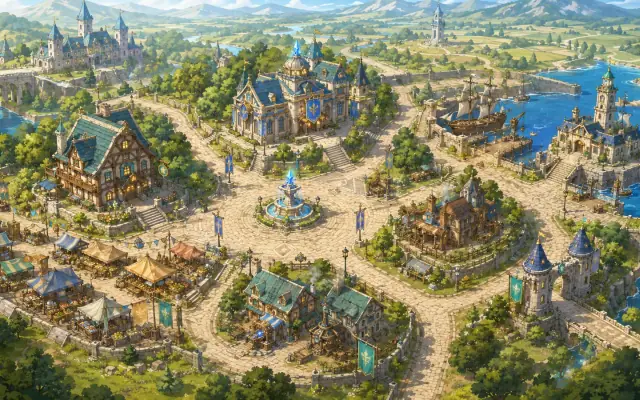
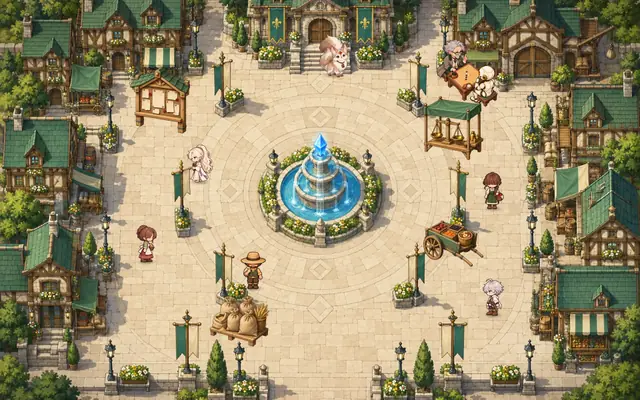
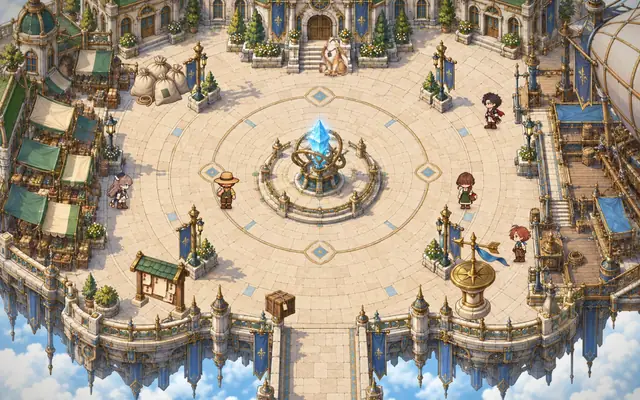
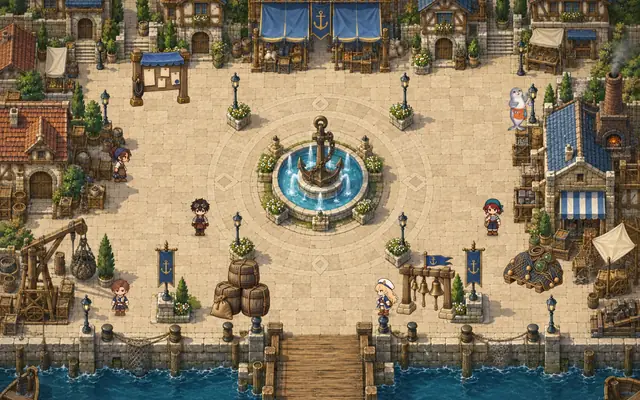
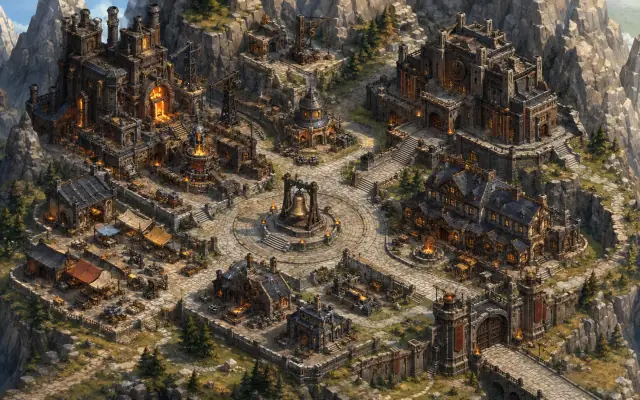
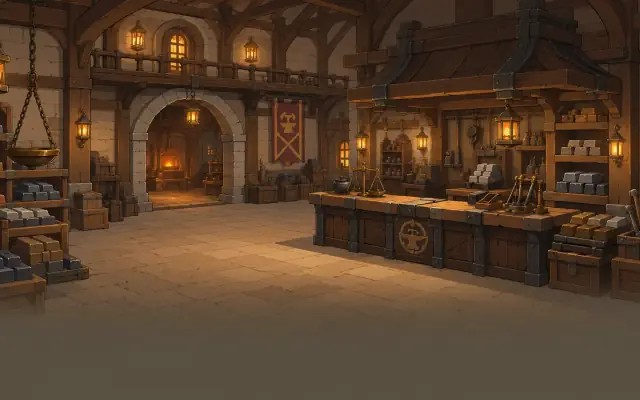
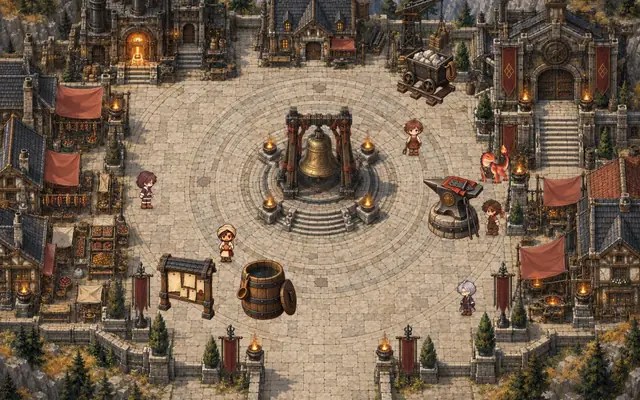
Here are five of the fifteen cities, shown in the game's own artwork. When you arrive in a city, you choose the Market, Investment office, Checkpoint, Inn or Plaza from the town view. In the Plaza, the city's merchants and residents stroll about, and when you talk to them they share stories and rumors. The neighbors and market goods of every city are in the “City Atlas” of the Play Guide.
Lumia
Nation
Lumia Federation
Neighboring cities
Kitezh, Kinsai, Skyport
A rural Federation trading town for crops and everyday goods.
The city where every journey begins. On market days, tents go up around the Blue Crystal Fountain in the plaza, and in one corner of the plaza the Go Enthusiast sets life-and-death problems.
This city has an exchange office.
TownMarketPlaza
Skyport
Nation
Lumia Federation
Neighboring cities
Isbel, Kinsai, Lumia
A floatstone source and international airship port seeking food and repair supplies.
A sky port on floating islands above the clouds, and the city you head for with your goods on your first trade. People setting off are said to rest a hand on the railing of the Brass-Ring Floatstone Tower in the plaza before they go.
This city has an exchange office.
TownMarketPlaza
Dadaro
Nation
Dadaro Merchant League
Neighboring cities
Arport, Taxira, Hatra
A mining and mana engineering town supplying iron, copper and mana stones, and importing food.
A mining city where mana engineering first began. The Obelisk of Origins in the middle of the plaza is said to mark the spot where mana engineering first lit its flame.
This city has an exchange office.
TownMarketPlaza
Arport
Nation
Dadaro Merchant League
Neighboring cities
Dadaro, Sibara, Kinsai, Iraman
A fishing and smelting port making steel and alloys from ore and fuel.
A port where fishing and smelting go hand in hand, and from here you can board a ship to cities across the sea. On sailing days, people are said to give the bronze anchor of the Anchor Fountain in the plaza a pat before they go.
This city has an exchange office.
TownMarketPlaza
Ironbell
Nation
Ironbell Duchy
Neighboring cities
Taxira, Horazam
An oasis smithing town trading spices and fruit.
A forge city set in a canyon that clearly shows the character of a duchy that takes promises and responsibility seriously. The Great Bell of Oaths in the plaza is said to be rung once on the day a promise is kept.
This city has an exchange office.
TownMarketPlaza
Market Merchants
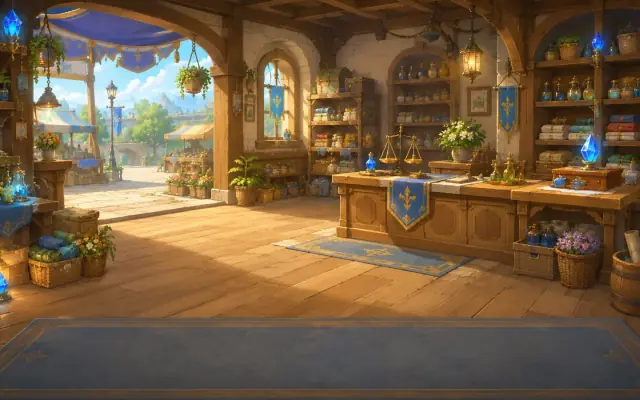
Every city has a merchant who runs the trading at its market. Press the merchant at the market to open the merchant's ledger, and talk to a merchant taking a break in the plaza to hear rumors. Here are the merchants of five cities.
Melly
Lumia market merchant
Plain and easygoing, she speaks in a relaxed, polite way. On the First Journey she shows you how to spot trade opportunities with her crystal orb, and once Chapter 1 begins she also suggests the game lessons (tutorials).
Hermia
Skyport market merchant
A merchant who calculates sharply behind a friendly smile. In a self-assured tone, she tests the calculations of the hero setting out on a first trade, and takes an interest in that talent.
Hypatia
Dadaro market merchant
A calm, careful merchant who puts safety first. In a formal manner, she frankly points out the strengths and weaknesses of goods but leaves the decision to the customer.
Ino
Arport market merchant
A kind, resourceful merchant who knows all the local news. She greets customers cheerfully in a casual manner and looks after them attentively.
Irene
Ironbell market merchant
A quick-calculating information broker with a playful streak and a keen eye, who deals in rumors as well as goods. She speaks politely but informally, with a habit of slyly drawing out the ends of her sentences.
What Makes It Fun
Prices that move for a reason — City events such as droughts, festivals and wars, along with supply and demand, move prices. Being able to read why a price went up is what real skill looks like.
A different currency in each nation — Trade while exchanging between Lumia's LUX, Dadaro's SHEL and Ironbell's KRON.
Crafting and contracts — Process materials at the workshop to make more valuable goods, and take on city contracts to earn extra rewards.
Authority and growth — As the authority rank you build separately in each nation rises, the goods you can buy there, the crafted goods you can make and the amount of mana stones you can trade at once all increase.
Investment — Buy and sell company shares at the investment office to grow your capital in a different way from trading (prototype).
Plazas and mini-games — Every city has a plaza where you can talk with people and look for rumors and hidden keepsakes. In the Lumia plaza you can solve life-and-death problems set by the Go Enthusiast, and you can also try them right away without saving from “Mini-game” on the title screen.
Use of AI
Some of the content in this game was created with generative AI tools. The development team decides which scenes to make and what to use, and reviews the results. AI does not create new content while you play.
Opening cinematic — The scenes were created with video-generation AI. An AI label appears in the top-left corner of the playback screen.
Art — The game's artwork, such as characters, backgrounds and icons, includes images created with image-generation AI.
Voices — Character voices were created with speech-synthesis AI.
Music and sound effects — Some of the background music and sound effects were created with generative AI.
Game Information
The game is free to play, and there are no paid items to purchase within the game.
The game runs in your browser with no installation required. It is designed for landscape screens and can be played on PCs (1280×800 or larger) and on tablets and phones held in landscape orientation.
This is an alpha version still in development. Content and numbers change often, and all progress from the testing period will be reset before the official launch. We will announce the reset date in advance.
Rating information
Korea 15+ · Content: Drugs
IARC rating assigned to the Google Play app (TWA) · Self-rating operator: Google
The Google Play app is currently in closed testing and is planned for official release if it passes.
This web game is the same game as the Google Play app.
How to Play
Last updated 2026-09-29
1. Getting Started
On the title screen, pressing “Start game” takes you to character creation if you have no character, or to the character selection screen if you do. Pressing “Enter game” starts a new character with the opening cinematic and the First Journey, while a character who has completed the First Journey resumes from the city where they last stayed.
Press “Start game” to begin right away, with no password. If you have not signed in, you play as a guest.
If you sign in with Google, your progress is also saved to the server so you can continue on other devices; if you play as a guest, your progress is saved only in this browser. Guests see a notice asking how to save their progress once when starting a new game and once more before starting Chapter 1. For details, please see “7. Saving”.
2. Buying and Selling
You buy and sell goods at city markets. The basic approach is to buy goods cheaply in one city and carry them to a city where they sell for a high price.
Before you confirm a trade, you are shown the price for each bracket, the total, and the state of the market after the sale. Selling a large quantity of the same goods at once lowers the price, and the market recovers as time passes.
There is a limit to how much you can carry in your cargo hold. Each item takes up a different amount of cargo space, and your current load and limit are shown at the top of the screen. It is best to load the most profitable goods first.
3. Currency Exchange
Each nation uses a different currency. To trade in another nation, you must exchange your money for that nation's currency in a city with an exchange office. Not every city has an exchange office, and exchange rates and fees also affect your profit.
There are four kinds of money: LUX of the Lumia Federation, SHEL of the Dadaro Merchant League, KRON of the Ironbell Duchy, and mana stones, which are accepted in every nation. Mana stones can be exchanged for a nation’s currency at the Investment office, and are also used to buy shares or companion proposal tickets.
4. Traveling Between Cities
Choose a destination on the world map to travel there. Travel takes in-game time, and city prices change in the meantime. There is a limit to how much cargo you can carry, so work out what to load before you go.
To enter a city and trade there, you need that city's Trade Permit. When you first start, you hold permits for your starting city and a few cities near it; for other cities, you pay a fee at the city gate to obtain one.
5. Crafting and Contracts
Workshops are located in the markets of cities that have crafting recipes. Each recipe requires a certain authority rank, so the higher your rank, the wider the range of goods you can make. Compare costs with selling prices to find crafting combinations that turn a profit.
In cities, you can take on contracts with set conditions. Deliver goods that meet the conditions to receive a reward, and the standing routes you have opened can also bring in regular income.
Challenge contracts ask you to deliver crafted goods to a set city. The number you can take each day and the delivery deadline are fixed, and completing one earns you a reward along with authority experience in the nation that issued the contract.
6. Merchant Authority
Authority rank rises separately in each nation. Selling at a profit in a nation's cities or completing challenge contracts builds experience, and as your rank rises, the goods you can buy, the crafted goods you can make and the amount of mana stones you can trade at once all increase. The goods that open up at each rank are listed in the “Merchant Authority” article of the Play Guide.
7. Saving
Your progress is saved automatically to the browser you are using each time you complete an action such as trading, traveling or getting a permit. You can also save right away with “Save” in the menu.
The progress of guests who have not signed in is saved only in this browser. If you clear the browser's site data or close a private (incognito) window, your progress may be lost, and you cannot continue on another device or browser. For this reason, guests see a notice asking how to save their progress once when starting a new game and once more before starting Chapter 1. Pressing “Sign in with Google” takes you back to the title screen, where you can sign in with Google, and pressing “Save in browser and continue” lets you keep playing as a guest.
When you sign in with Google, your progress is first saved in this browser and then also saved to the server at regular intervals. If you sign in with the same account on another device or browser, you can continue from the progress saved on the server.
When the story moves on to the next stage, your progress is saved to the server right away, regardless of the interval. It is also sent to the server right away when you press “Save” or hide or close the tab, but if the interval has not yet passed since the last server save, the server does not accept it yet, and while the game is open it is saved automatically once the interval has passed. You can see the time of the last server save, or when the next save will happen, in the game menu.
When you open the game, it first checks the progress saved on the server. If there is progress saved later on another device, you continue from that progress, and any progress on this device that was not uploaded to the server is replaced by the server's progress. Before switching devices, please check the time of the server save in the game menu. Plaza progress (bonds, keepsakes and requests) and game lesson records are not saved to the server and are kept separately on each device and browser.
A signed-in account can play the game in only one tab at a time. If you press “Continue in this tab” in another tab, that tab takes over and the original tab stops saving. Even when playing as a guest, do not open the same game in two tabs; the tab that saves later may overwrite the other tab's progress.
When you sign out, any progress not yet uploaded to the server is sent one more time. Progress that still could not be uploaded, and progress that could not be uploaded because the game was closed, stays in this browser and is uploaded to the server when you open the game again with the same account in this browser (if you signed out, you need to sign in again). If progress was saved on another device in the meantime, the server's progress takes precedence.
If you sign in with Google after playing as a guest and that account has no saved progress, the guest progress in this browser is moved to that account once and saved to the server. If the account already has progress, you continue with the account's progress and the guest progress is not moved. In either case, the guest progress stays in this browser as it is, and guest progress that has been moved once is not moved again.
8. Game Lessons (Tutorials)
Once Chapter 1 begins, Melly at the Lumia market suggests the game lessons. You can pick the lessons you want to learn from “Help & Tutorials” in the menu and view them again at any time. Lessons explain by pointing to buttons on the real screen; there are no rewards, and you can repeat them as often as you like.
9. Investment Office
At the Investment office in town, you can buy and sell company shares with mana stones through a broker. After your first visit to the Investment office, events such as droughts, fuel shortages and floods also affect the market prices of related goods and the rewards of challenge contracts. The Investment office is still a feature under testing.
10. Plazas and Mini-games
Go out to the “Plaza” from town, and you will find the city's merchant, the gatekeeper, the Investment office broker and residents walking about. Talk to them to hear stories and rumors, look for hidden keepsakes, or help residents with their requests.
Talk to the Go Enthusiast in the Lumia plaza to solve life-and-death problems. You can also try them right away without saving from “Mini-game” on the title screen, and mini-game results are not reflected in your progress in the full game.
11. Companion Proposals
Open the merchant's ledger at the market and press “Companion Proposal” to ask that city's market merchant to become your companion. Proposal tickets can only be bought with mana stones earned in the game, and there are no cash purchases. Even if you are turned down several times, a proposal is always accepted once you reach a set number of attempts. Things to do with your companions arrive in the next update.